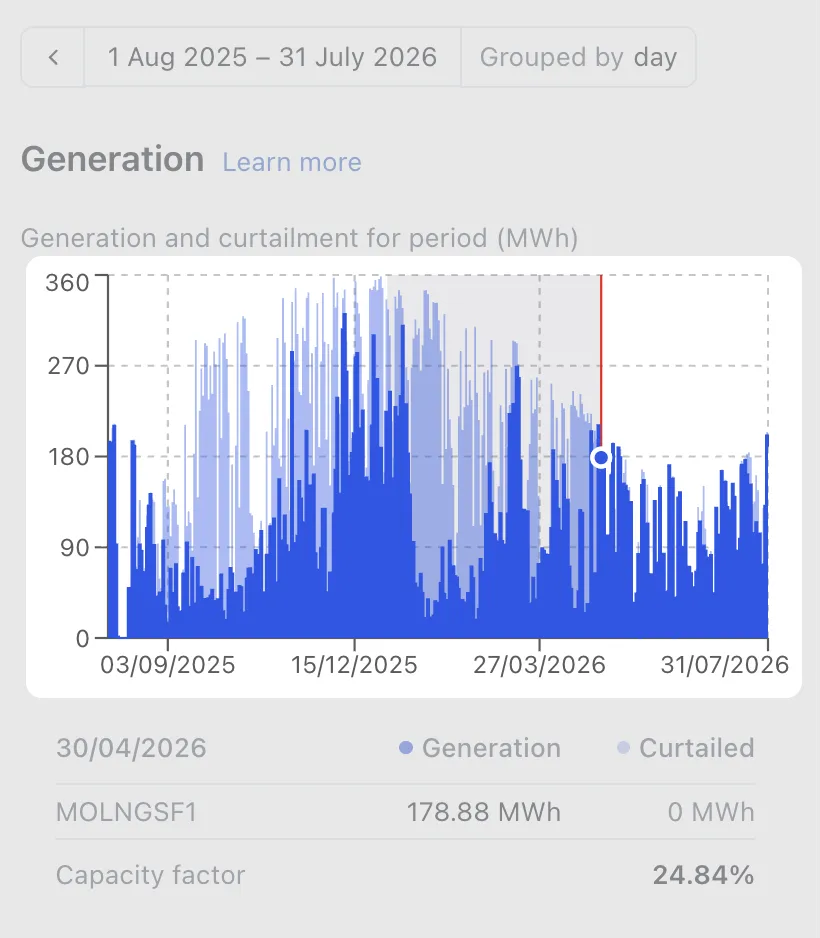
Picking a time range
Choose the date range and hours of day shown for operational data in RenewMap, and zoom into a period on an operational chart.
Note: The time picker is available as part of the Operational Insights licensed add-on. If you don’t have access, please ask your organisation’s admin to enable it.
The global time picker at the top of the map controls the date range and hours of day used for operational data, both on the map and in each project or line’s Operational tab.
Note: The global time picker only appears when an operational visualisation is selected, such as Curtailment or Headroom.
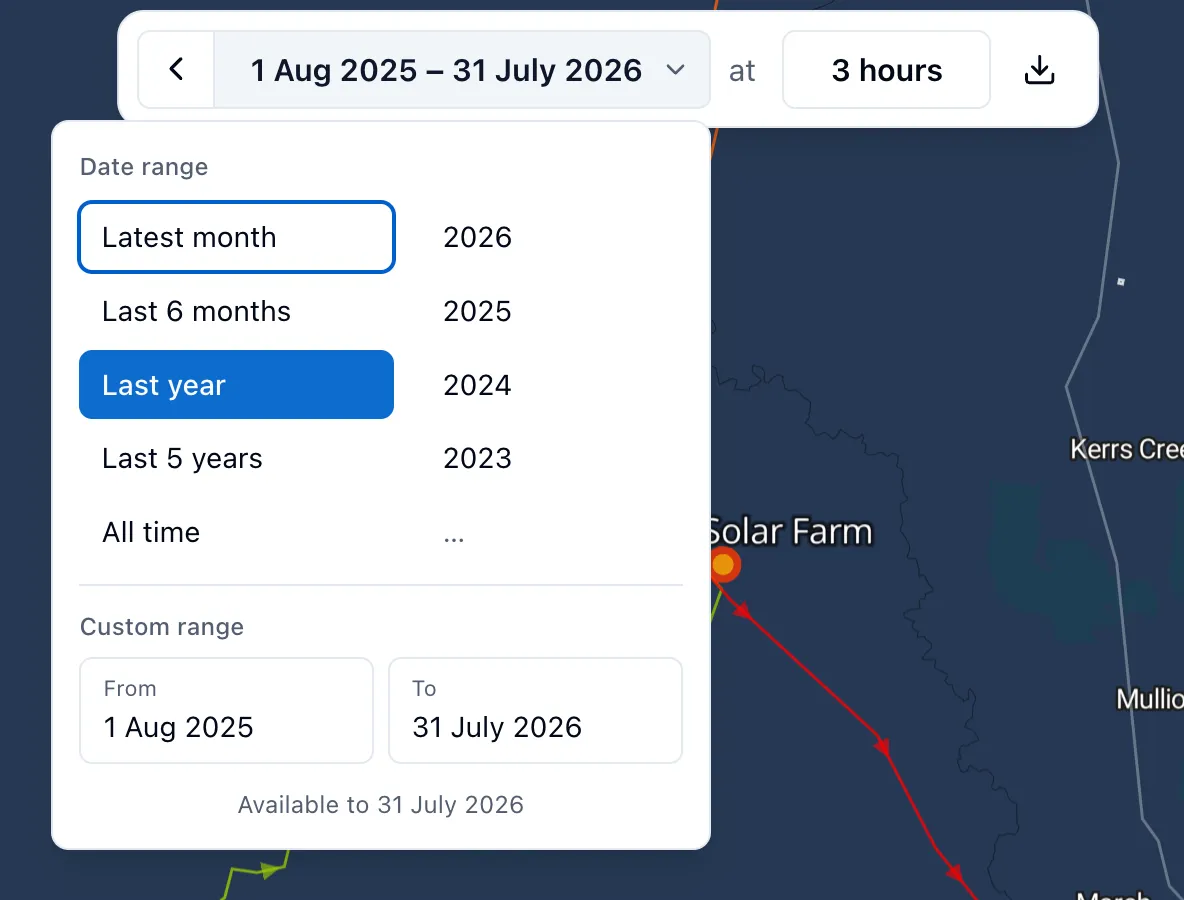
How to choose a date range
- Select the date range button in the global time picker.
- Choose a preset range, or set a custom range.
The map and any open Operational tab update to show data for the selected range.
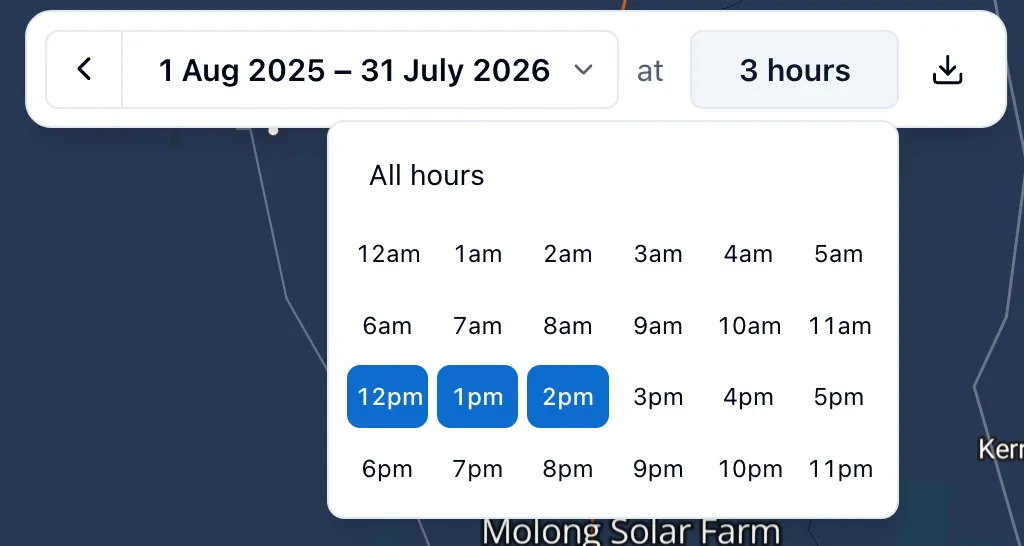
How to choose hours of day
You can narrow the selected range down to specific hours, so you’re only seeing the average value for those hours across the range. For example, select daytime hours to see solar performance while the sun is up, or nighttime hours to isolate overnight behaviour.
- Select the hours button next to the date range.
- Tick the hours you want to include, or select All hours to clear the selection.
Your selection is remembered
Your date range and hour selection are saved to your preferences, so they carry over the next time you open RenewMap. A back arrow appears next to the time picker whenever your selection differs from where you started, letting you reset back to it in one step. If you want to save a new time selection, select the desired range and refresh the page.”
Zooming into a chart
On an operational chart, click and drag across the period you want to zoom into. The global time picker updates to match, so the map and every other open chart zoom in with it.