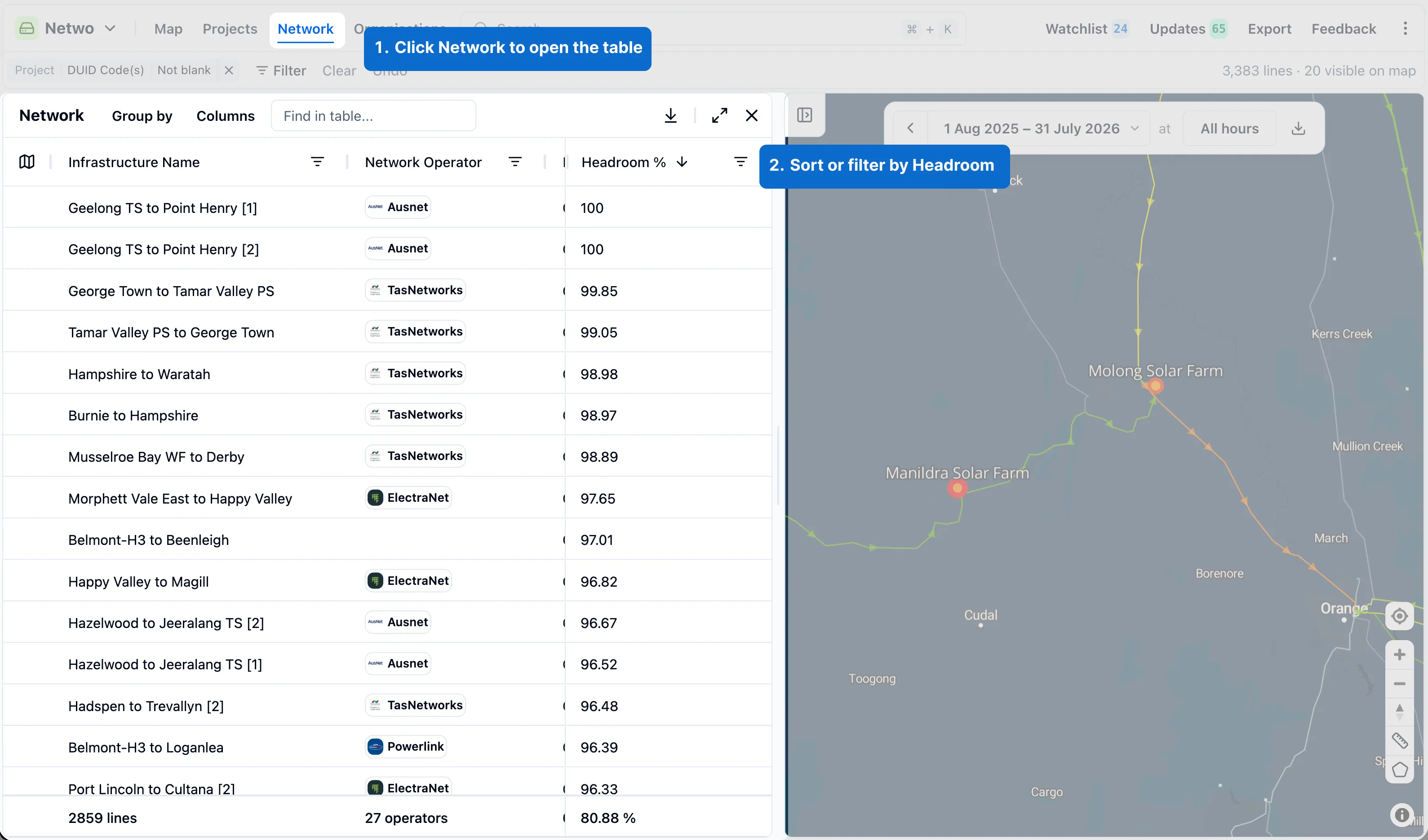
Network table
Browse transmission lines in RenewMap's network table, and sort or filter by headroom.
Note: The network table is available as part of the Operational Insights licensed add-on. If you don’t have access, please ask your organisation’s admin to enable it.
The network table lists the transmission lines in RenewMap, similar to the Projects and Organisations tables.
How to open the network table
Select Network from the RenewMap header, to open a table view of transmission lines. You can filter the network table the same way you filter other tables in RenewMap. Learn more about filters.
How to see and select a line
Select a row to open that transmission line’s side panel, including its Operational tab and terminal substations.
Sorting and filtering by headroom
When a Headroom operational visualisation is selected, a Headroom column appears in the network table. You can sort or filter the table by this as you would any other column.