Navigating terminal substations
Jump between a transmission line and the substations at each end of it in RenewMap.
Note: Line terminals are available as part of the Operational Insights licensed add-on. If you don’t have access, please ask your organisation’s admin to enable it.
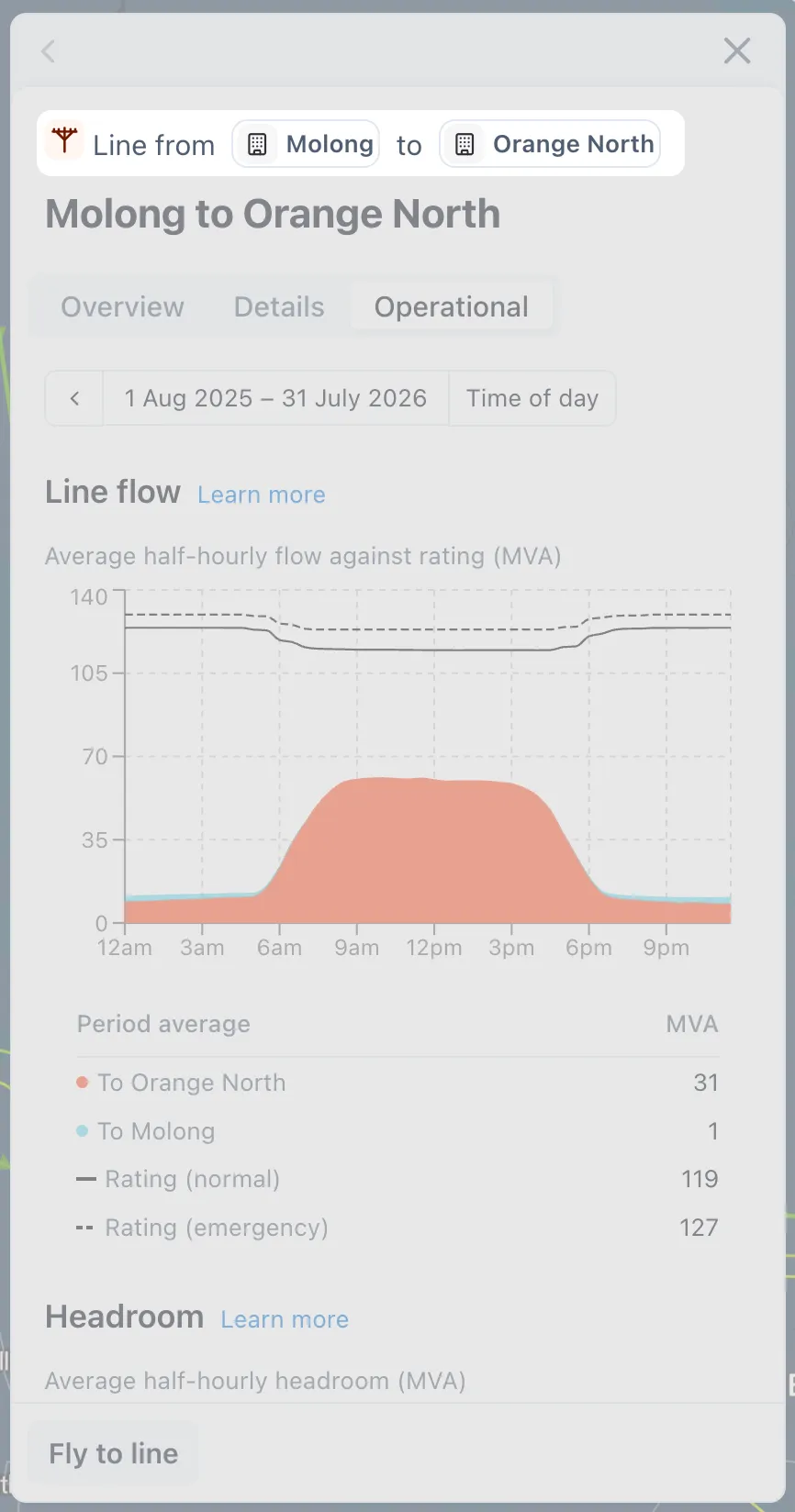
A transmission line’s side panel shows the substations at each end, so you can move between a line and its terminals without needing to go back to the map or table.
How to jump between a line and its substations
- Select a transmission line on the map or in the network table.
- In the side panel header, select either substation name to open its side panel.
Tip: Like any project or line, you can choose to Fly to the terminal substation from its side panel.